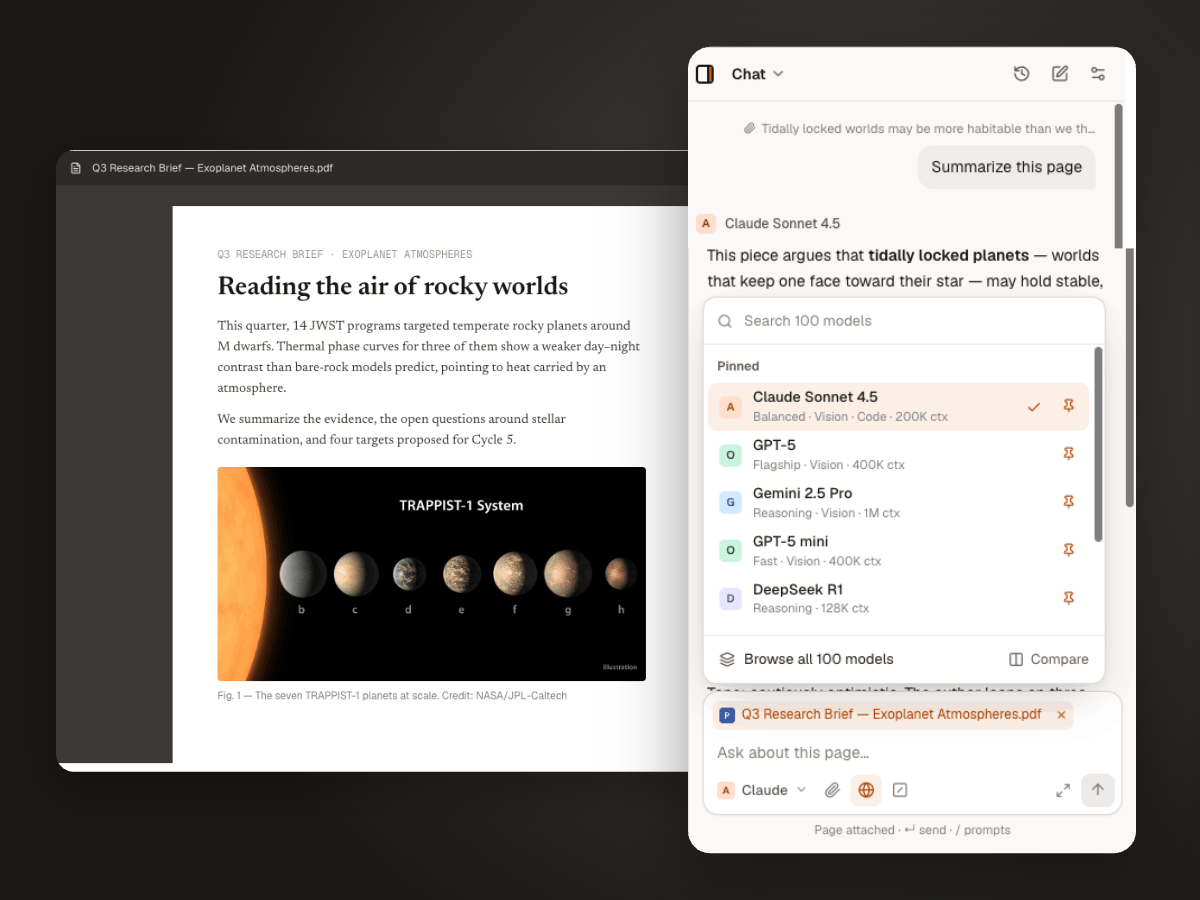
A ChatGPT-style sidebar that runs on your own API key.
Bring an API key from OpenAI, Anthropic, Google, DeepSeek or xAI. Thinkbeside is free, and you pay the provider directly at its API rates.
Free, with your own API key. How pricing works · How your keys and data are handled
How to use your own API key in Chrome
- 1
Install and sign in
Add Thinkbeside from the Chrome Web Store and sign in with an email code, Google or GitHub.
- 2
Paste a key
Create an API key in your provider’s developer console and paste it into Settings. One provider is enough.
- 3
Pick a model
Choose a model, or leave it on Automatic to follow the provider’s recommended model.
Why bring your own key
No subscription
The extension is free. You pay only for the tokens you use, at the provider’s own API price.
Key stays in your browser
Stored encrypted on your device and sent only to the provider it belongs to.
Every model your key can use
Model lists refresh from each provider, so new models show up without waiting for an update.
Questions
Can I use my ChatGPT Plus subscription?
No. ChatGPT Plus and Claude Pro are chat subscriptions. Thinkbeside uses the providers’ APIs, which are billed separately through an API key.
Where do I get an API key?
From each provider’s developer console: OpenAI Platform, Anthropic Console, Google AI Studio, the DeepSeek platform or the xAI console.
Where is my API key stored?
Encrypted in your browser. It is sent only to the provider it belongs to and is never synced to your Thinkbeside account.
Which providers are supported?
OpenAI (GPT), Anthropic (Claude), Google (Gemini), DeepSeek and xAI (Grok). You can connect one or all five.
More ways to use Thinkbeside
Use the models you want, on the key you own.
Free to install. Works with the API keys you already have.